Cooking memory / one-minute pressure
Recipe Frenzy
Unexpected guests give Alex 60 seconds to choose a dish and follow its ingredient order. Recipe Frenzy combines recipe clues, ingredient memory and a busy kitchen; the creator offers browser play alongside optional Windows and macOS downloads.
Browser · Creator’s site
Open Recipe Frenzy on the creator's pageOpens the creator’s page in a new tab. This Joywisp page is a guide; the browser player is hosted by the creator.
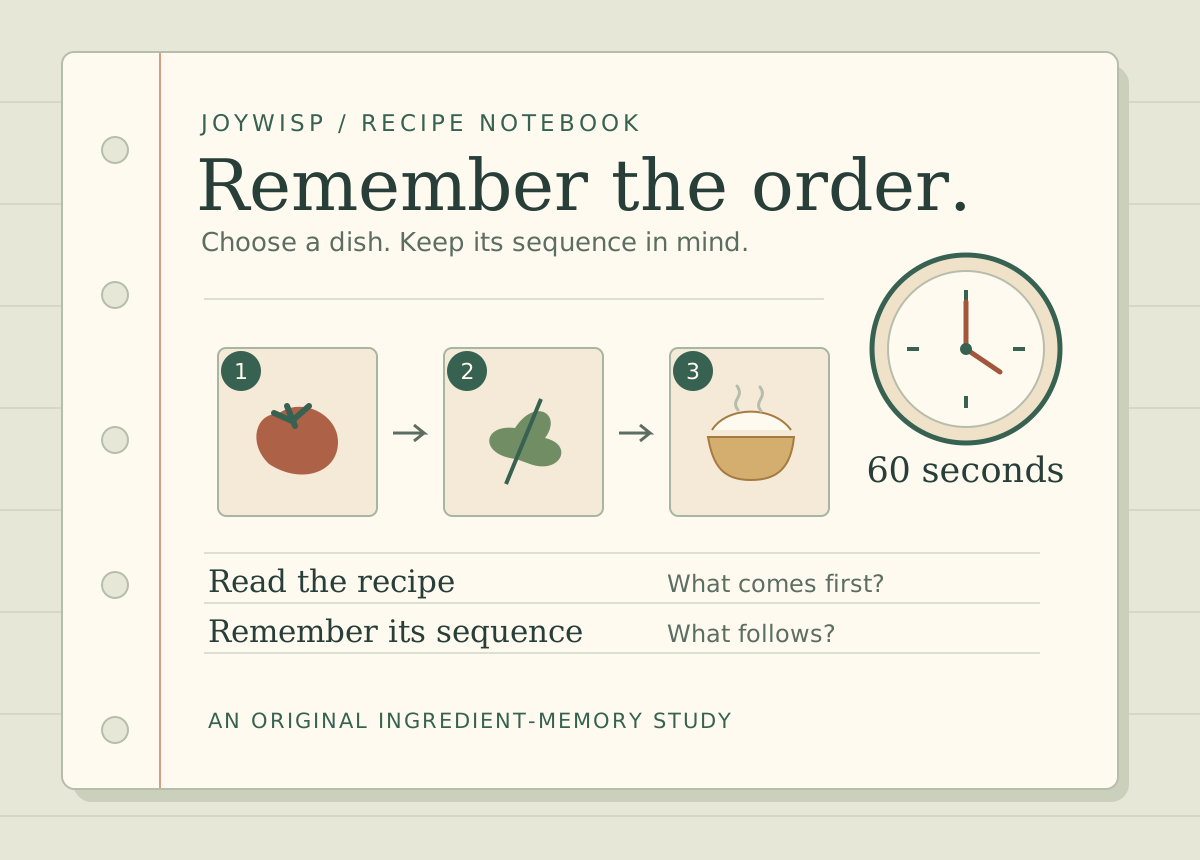
Remember a sequence, not just a shopping list
Alex's guests are on their way, and his Nanna's recipe book provides the plan. The creator describes a 60-second challenge: find ingredients, work out which recipe fits and follow that recipe's order. Recipes can contain up to seven ingredients, so knowing which items belong to a dish is only part of the memory task. Their sequence also matters. A useful way to read the tutorial is to separate identification from order: what dish do these clues suggest, and what comes first, next and last? That is a preparation prompt, not a claim that we have completed the challenge.
Select a dish before looking for Lock & Cook
A public creator reply addresses a specific point of confusion: selecting ingredients alone does not reveal the cooking button. Senna explains that the player first uses the cards and hint to identify the correct dish. After the dish is selected, Lock & Cook appears and can be used to cook it. If you are searching the interface for that button, check the dish-selection step and the creator's tutorial first. This explains the stated sequence without assuming that the button is missing or claiming that every ingredient-selection attempt will be accepted.
Hints, switches and four named modes
The description links hints and switches to choosing the right recipe, but it does not specify their costs, limits or exact effects. Let the tutorial explain those rules before spending or using one. The creator names four modes: easy, medium, hard and free. Here, free is a mode name; the checked description does not establish that it removes the timer, and it says nothing about the price of a desktop download. The Kitchen Journal adds stamps for tasks and achievements, with a first stamp for cooking a first dish. We have not verified how stamps or progress are saved.
Browser entry and desktop downloads are separate
The official project lists an HTML5 version and optional Windows and macOS builds. At the source check, the Windows download was 168 MB and the macOS download was 207 MB; each file required USD 5 or more. Those individual file labels are more specific than the page's general name-your-own-price heading. Start from the creator's page to choose the version you want and confirm the current terms. The metadata also lists subtitles and an interactive tutorial, but it does not confirm phone support, exact key bindings or whether progress carries between the browser and downloaded versions.
Creator notes & dates
Ronna Femto’s official Recipe Frenzy page is the source for availability, price and the described mechanics. Checked .
- itch.io Published field
- Not shown on the checked page
- First worldwide release
- Unknown
- Found by Joywisp
Found in itch.io’s New & Popular listing with its last-seven-days filter. Listing position reflects that snapshot; it does not establish a first release in that period.
This guide uses the creator's checked description, project metadata, download labels and Senna's public explanation of the cooking button. Joywisp has not played the game. Exact hint and switch effects, keyboard bindings, phone support, mode timing and save behavior remain untested; availability and prices may change. The creator's metadata labels the project AI Assisted and lists code, graphics and sounds. Its credits name Gemini for visuals and Magnific for food assets; this is the creator's disclosure, not a technical audit by Joywisp. The illustration was drawn for Joywisp. No creator screenshots, game files or playable embeds are used here. External links and privacy.